Design
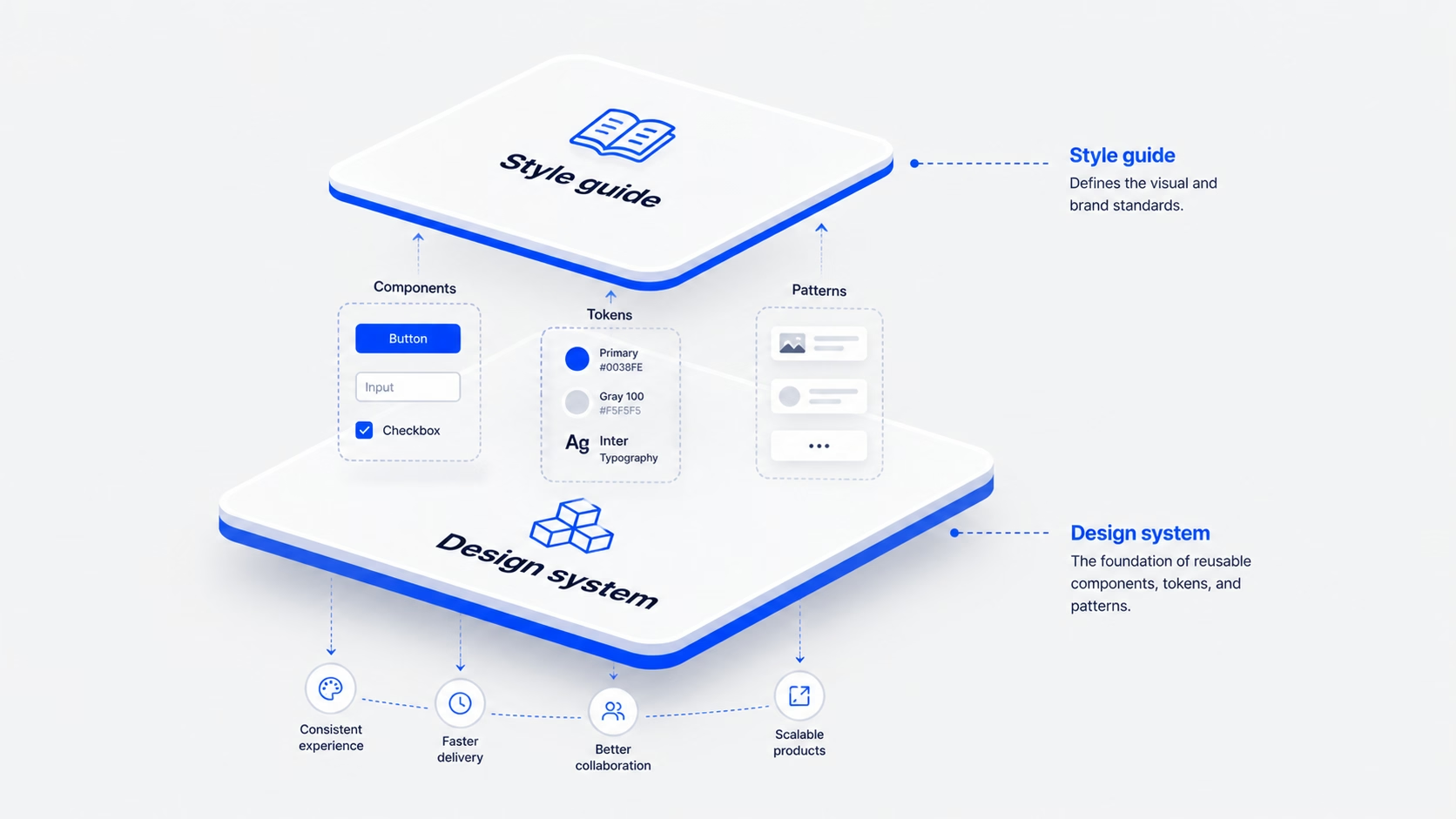
Design system vs style guide: what to build first (and why most teams overbuild)
Jun 5, 2026
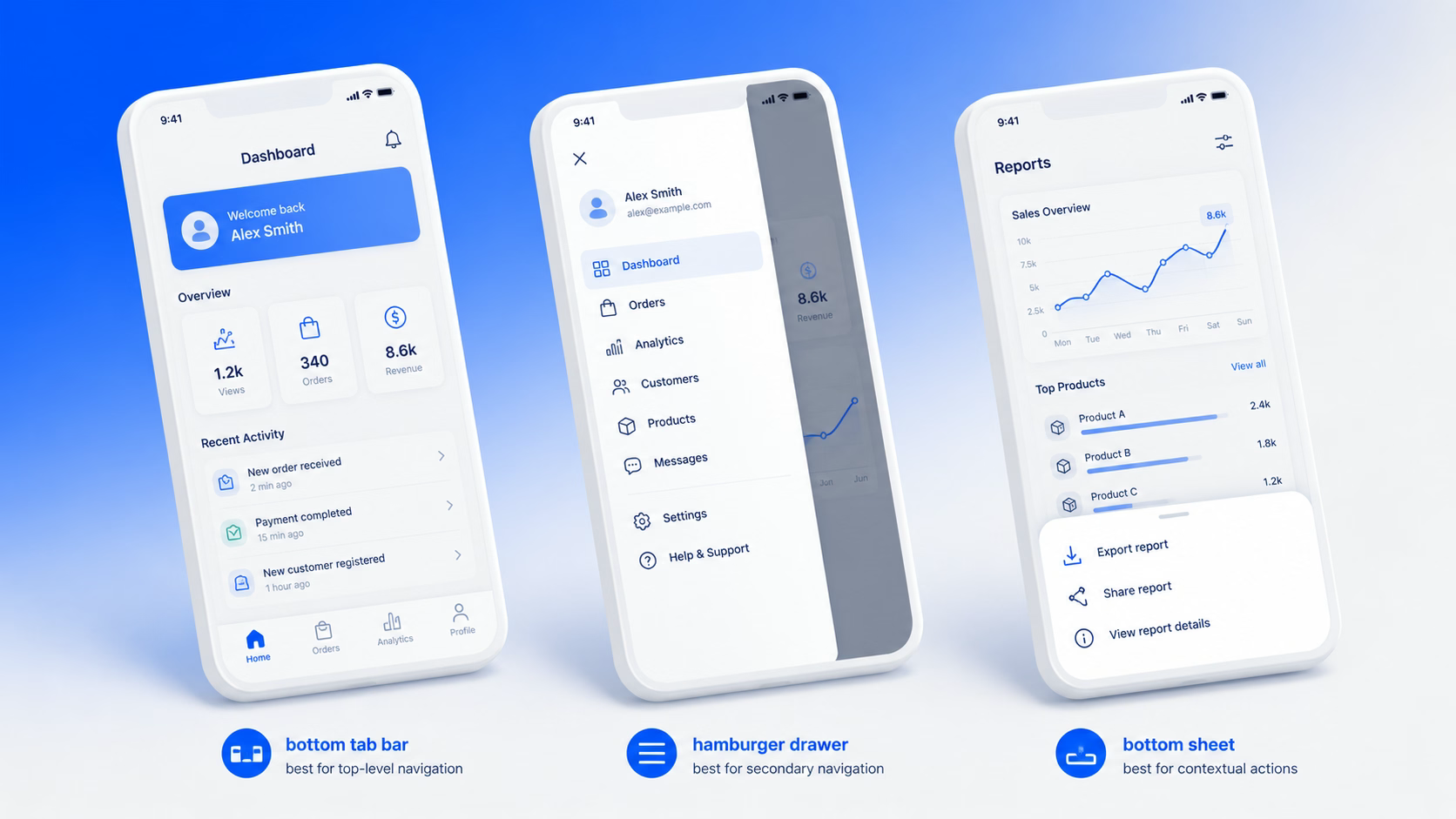
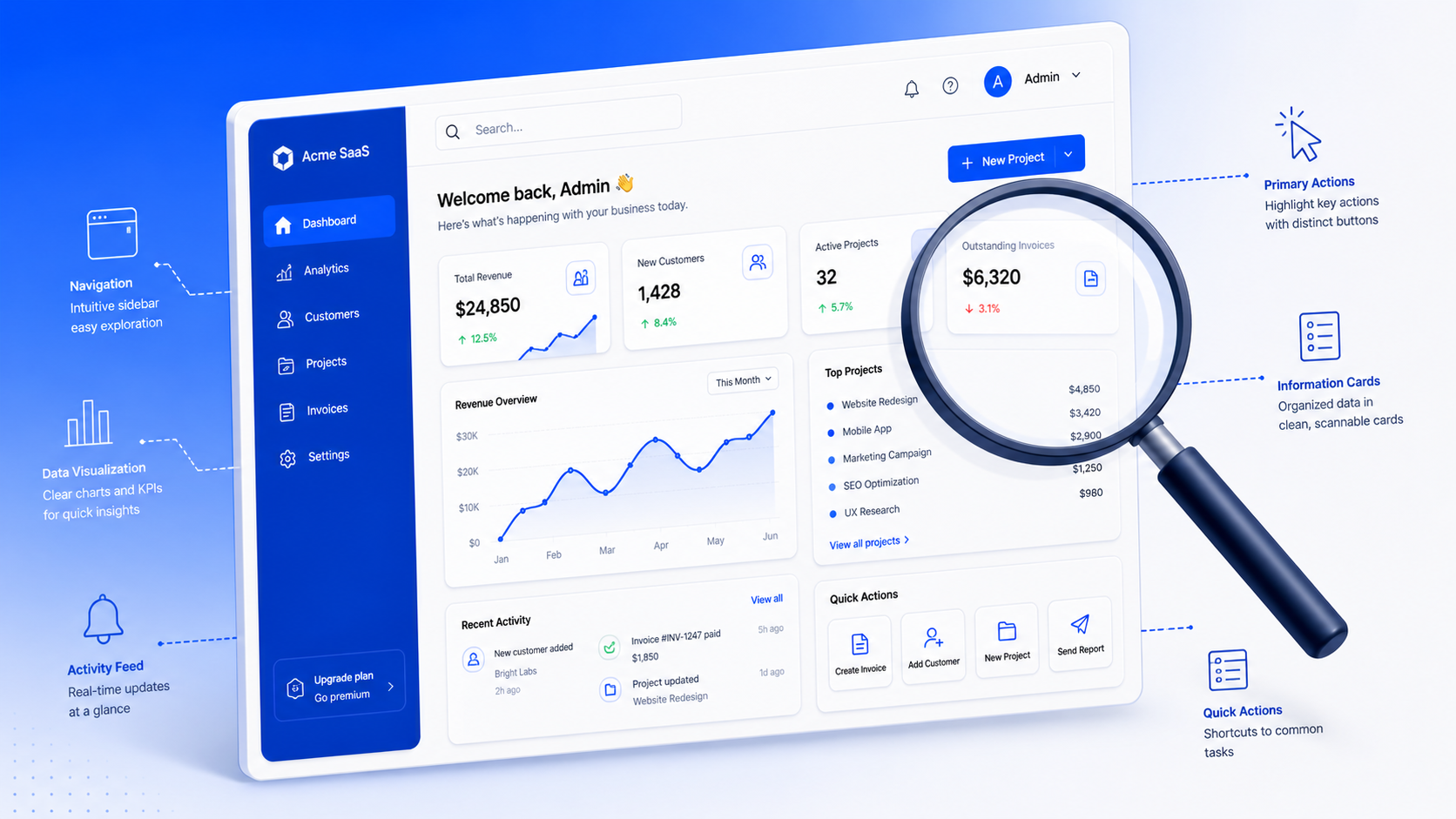
UI — User Interface — is the point where users interact with a product. It includes everything users see and use: buttons, screens, typography, colors, icons, and layout.
In simple terms, UI is the visual and interactive layer of your product.
A good UI helps users understand quickly, navigate easily, and complete tasks smoothly. A bad UI creates confusion — even if the product itself is powerful.
Core Definition: UI is the visual and interactive layer that sits between the user and the product’s functionality. Every button, every screen, every transition is UI.
UI is often misunderstood as just colors and fonts. But UI is not only about how things look — it is also about how things behave.
UI is where design meets behavior.
UI includes:
“UI is where design meets behavior.”
UI directly impacts how users experience your product. It’s not a cosmetic detail — it’s a business lever.
When UI is clear, users don’t think much — they just move forward. When UI is confusing, users drop off quickly.
Good UI:
The Cost of Bad UI: Bad UI is expensive. Users who can’t figure out your product don’t email support — they leave. And they don’t come back.
UI is made of multiple elements working together. Understanding them helps you design systems, not just screens.
UI is not limited to screens. As technology evolves, so do the surfaces users interact with.
UI and UX are closely related — but they are not the same thing. Confusing them leads to gaps in both the design process and the product.
UI is the surface. UX is the journey.
UI (User Interface) focuses on how things look and behave — the visual layer, interactive components, layout, and system feedback.
UX (User Experience) focuses on how the overall experience feels — user research, information architecture, user flows, usability, and overall product strategy.
Great products need both — they are complementary, not interchangeable.
Simple Way to Remember: UI is what you see and touch. UX is what you feel and remember. A product can look beautiful (good UI) and still be confusing to use (bad UX). Both must be designed with intention.
Every well-designed interface is built on a set of principles. These are not aesthetic preferences — they are functional requirements.
Most UI problems come from a handful of recurring mistakes. Recognizing them early saves significant rework later.
“The biggest mistake is designing screens instead of designing systems.”
Modern UI is evolving fast. It is no longer static — it adapts and responds to users in real time.
Today’s UI includes:
UI is not just about making things look good. It is about making things clear, usable, and intuitive.
Users may not notice good UI. But they always notice bad UI.
Investing in UI design is not a cosmetic decision. It is a product decision — one that directly affects how users feel about your product, how long they stay, and whether they come back.
Take Away: The best UI disappears. Users don’t think about what they’re clicking — they just accomplish what they came to do. That invisibility is the goal. That is what great UI design looks like.
UI design is the process of creating the visual and interactive elements of a digital product — every button, screen, icon, and input field a user sees and touches.
UI focuses on how things look and behave — the visual and interactive layer. UX focuses on how the overall experience feels — research, flows, usability, and the journey a user takes through a product. Both are needed for great digital products.
Good UI reduces friction, builds user trust, and increases conversions. Bad UI causes abandonment — users leave rather than ask for help. UI is a direct lever on product performance and business outcomes.
Figma is the industry standard for UI design, prototyping, and collaboration. Sketch and Adobe XD are alternatives. Most modern teams also use a design system tool like Storybook to bridge design and development.
Good UI is clear, consistent, responsive, and accessible. It gives users feedback when they act, removes unnecessary complexity, and guides users naturally toward their goals without them having to think about the interface.
At 16pixel, we help SaaS teams and founders build interfaces their users actually love. Book a free discovery call to get started.
jatin.creatrix@gmail.com
Design writer at 16pixel — a global UX and web design agency helping brands build world-class digital experiences.
Let's talk about your project and what 16pixel can do for you.
Book a Free Discovery Call